


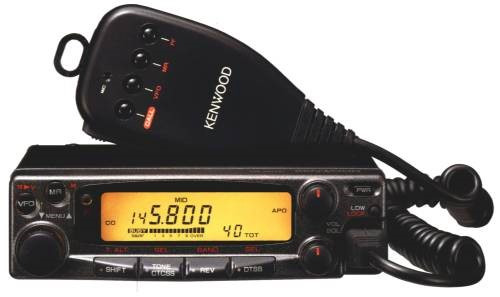
The Kenwood TM-251E is a classic VHF mobile radio with a receive-only UHF sub-band and several little-documented options in Menu B. One of those options is CROSS, which can automatically repeat a received signal from one band to the other.
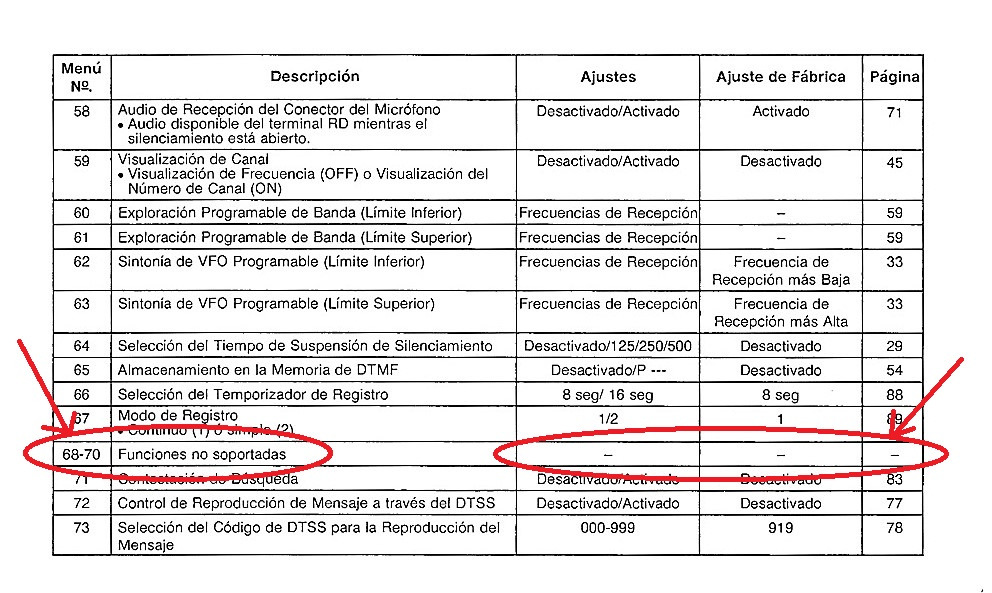
This guide explains how to enable that function through submenus 69 and 70. It focuses on the radio’s technical behaviour and preserves the original configuration photographs.
Select the VHF frequency
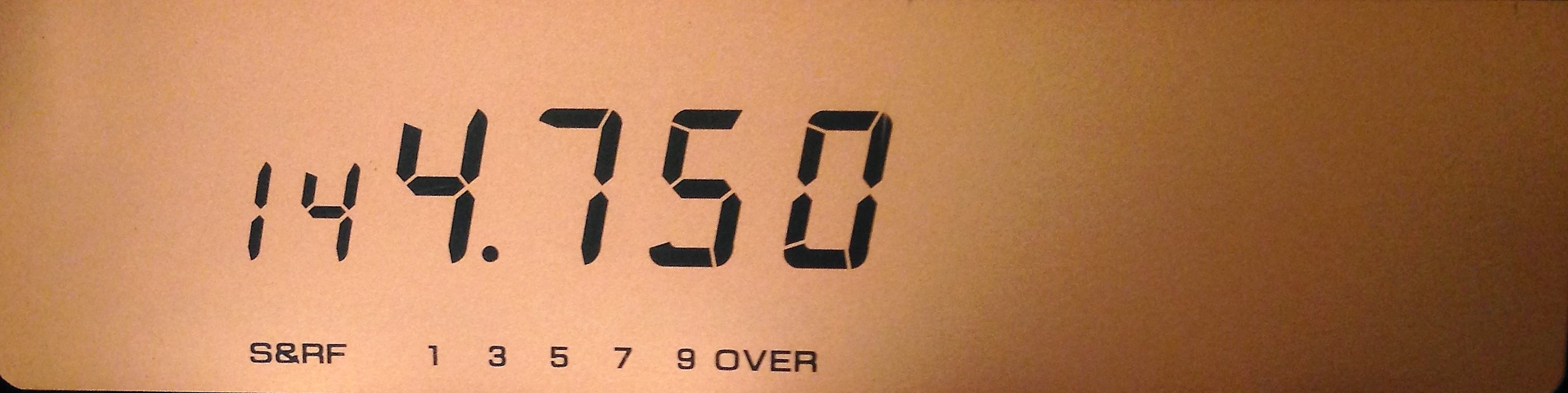
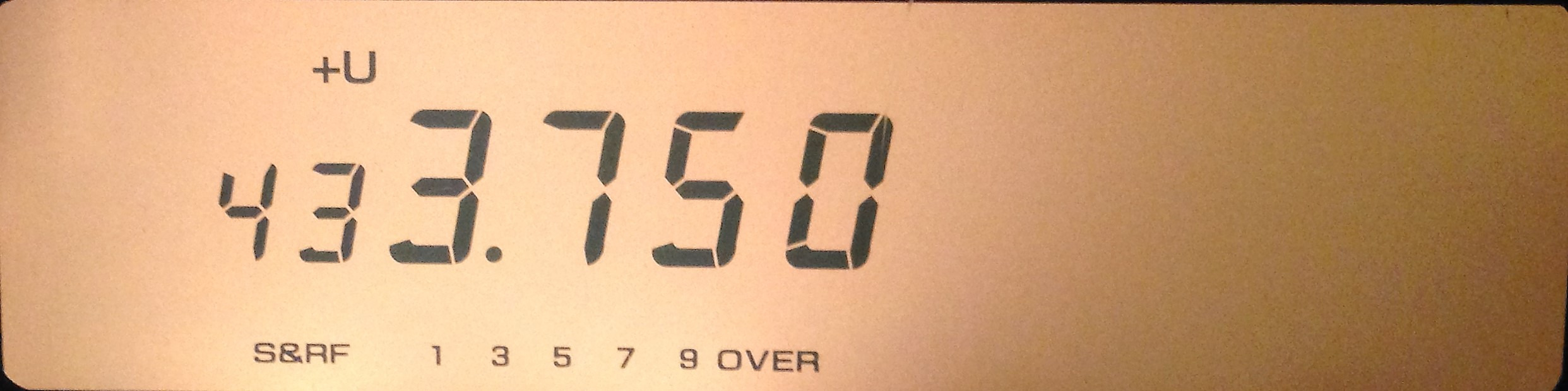
Select the transmit frequency on the main VHF band and adjust SQUELCH [SQL]. The value visible in the photograph is retained only as part of the historical test.
Switch to the UHF sub-band
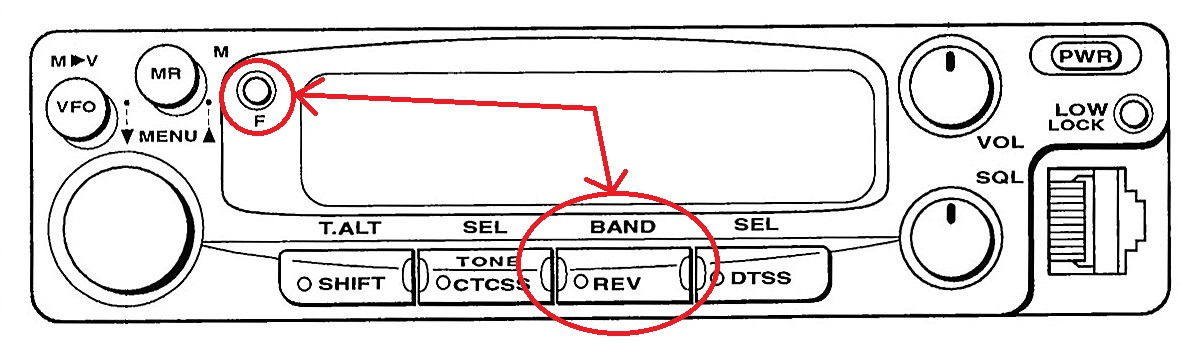
Press [F] followed by [REV] to switch to the UHF sub-band. Select the receive frequency and set the squelch again.
Optional CTCSS with the TSU-8
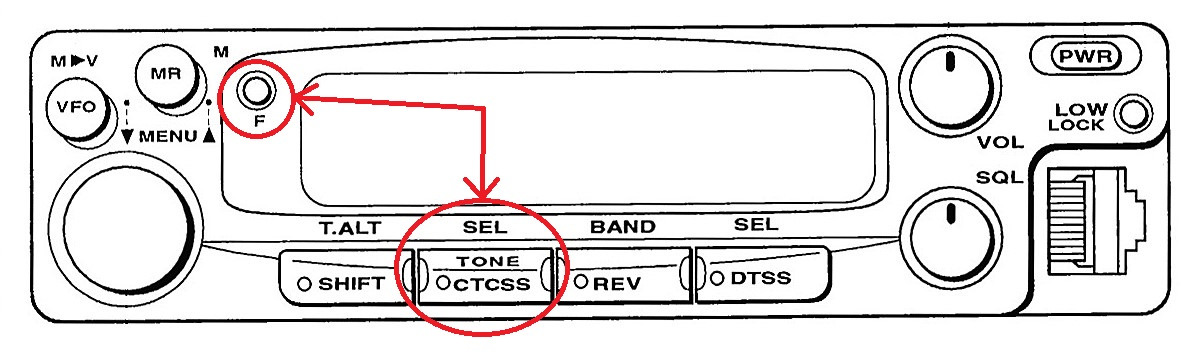
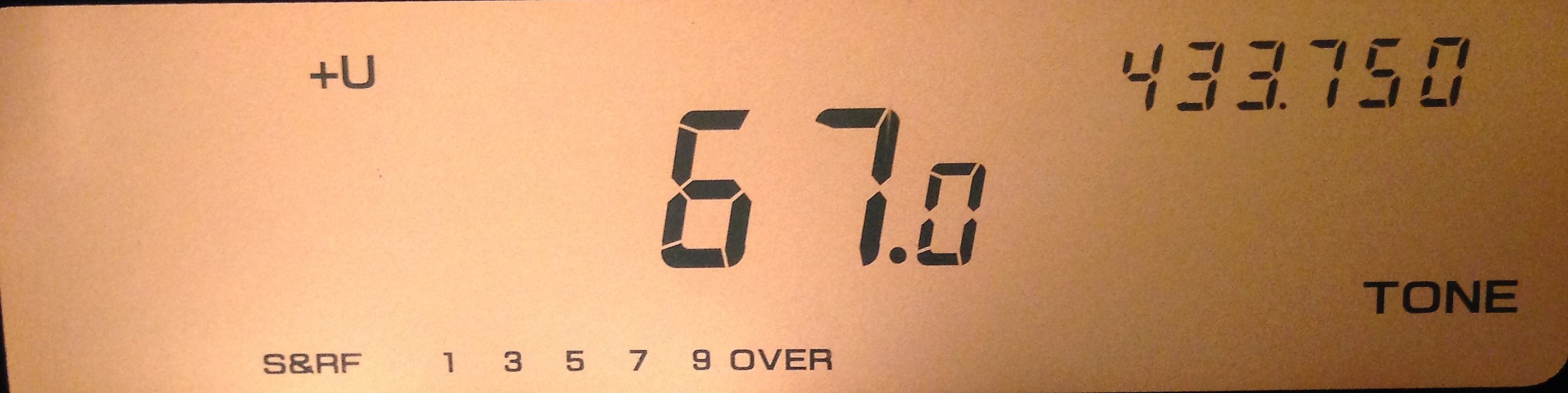
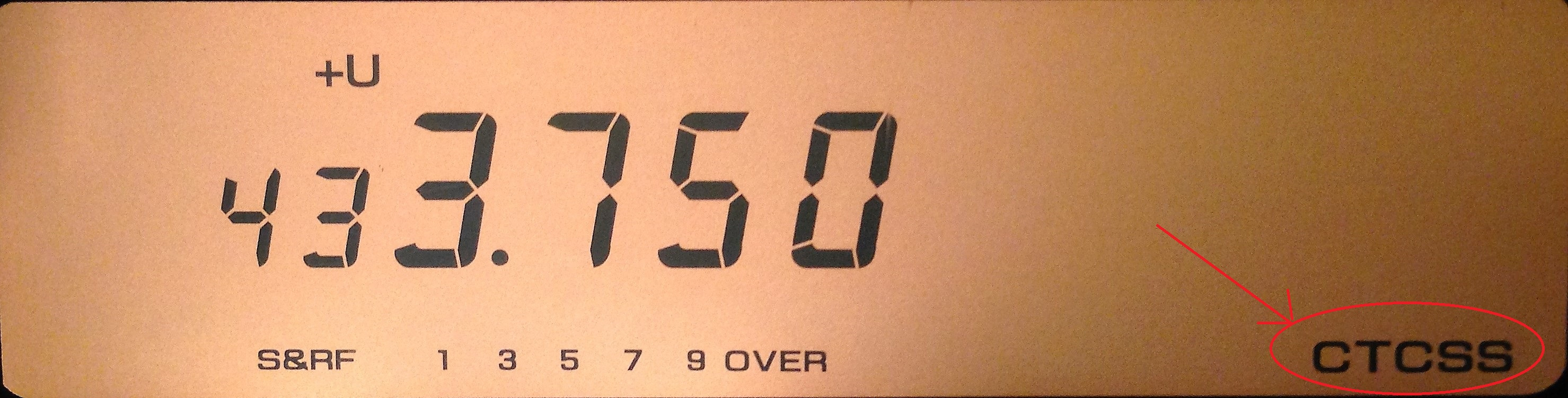
If the optional TSU-8 tone board is installed, CTCSS can help prevent unwanted signals from keying the function. Press [F] and [TONE/CTCSS], select the tone with the dial and leave the CTCSS indicator visible.
Enter Menu B
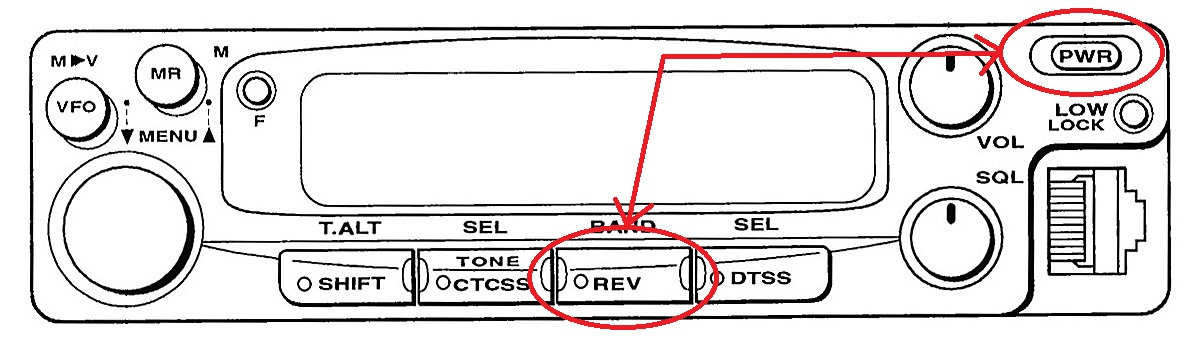
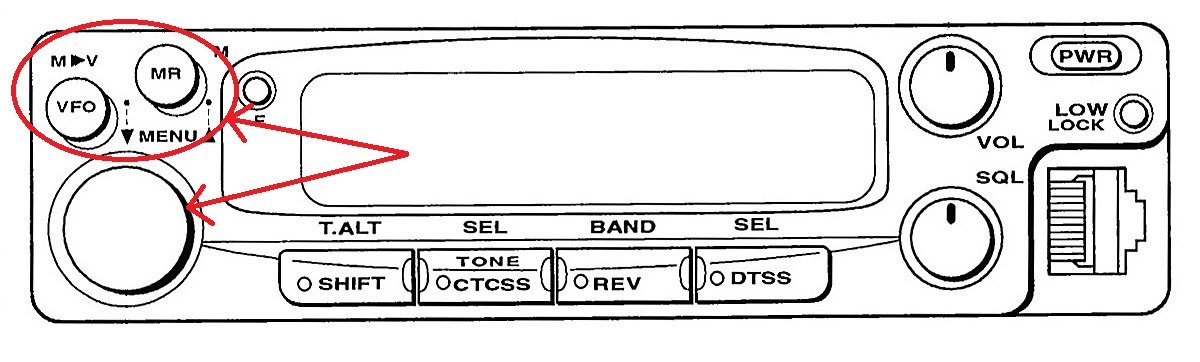
Return to the main VHF band. Turn the radio off, then power it on while holding [REV]. Use [MR] and [VFO] to move through Menu B and the tuning dial to change a setting.
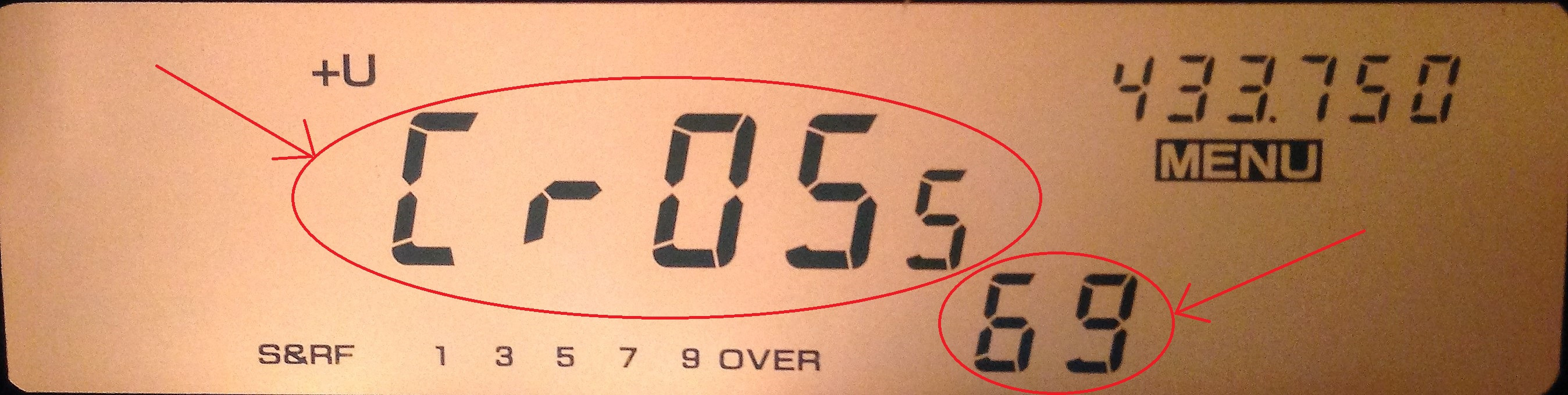
Submenu 69 · Select CROSS
Submenu 69 provides OFF, REPEAT and CROSS. Select CROSS to enable the cross-band repeating function.
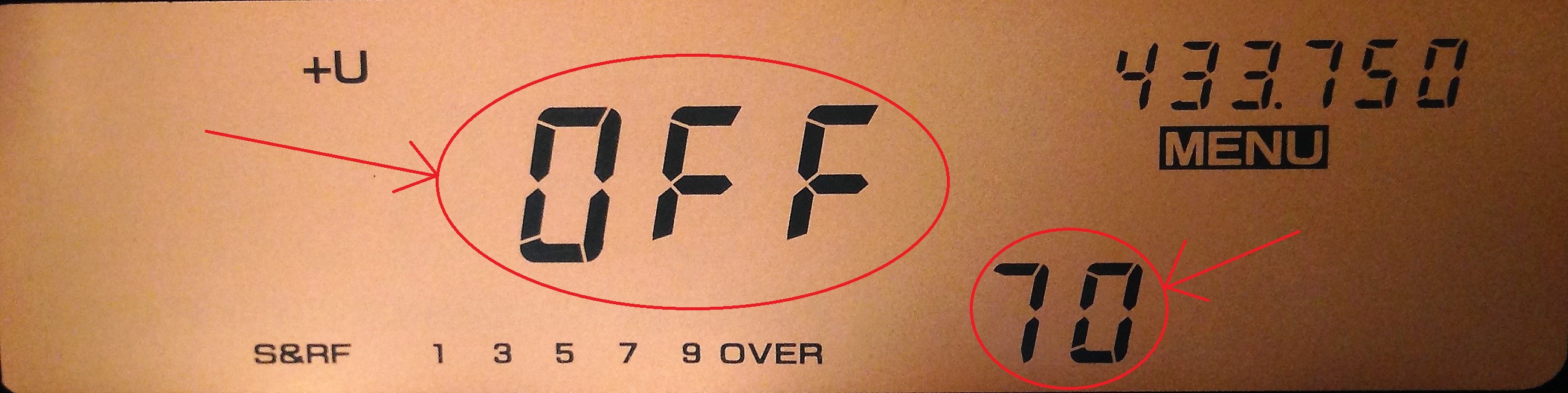
Submenu 70 · Repeater tail
Submenu 70 offers ON, adding an approximately 500 ms tail, or OFF, removing it. For controlled technical tests, choose the behaviour that best suits what you are measuring.
Exit Menu B
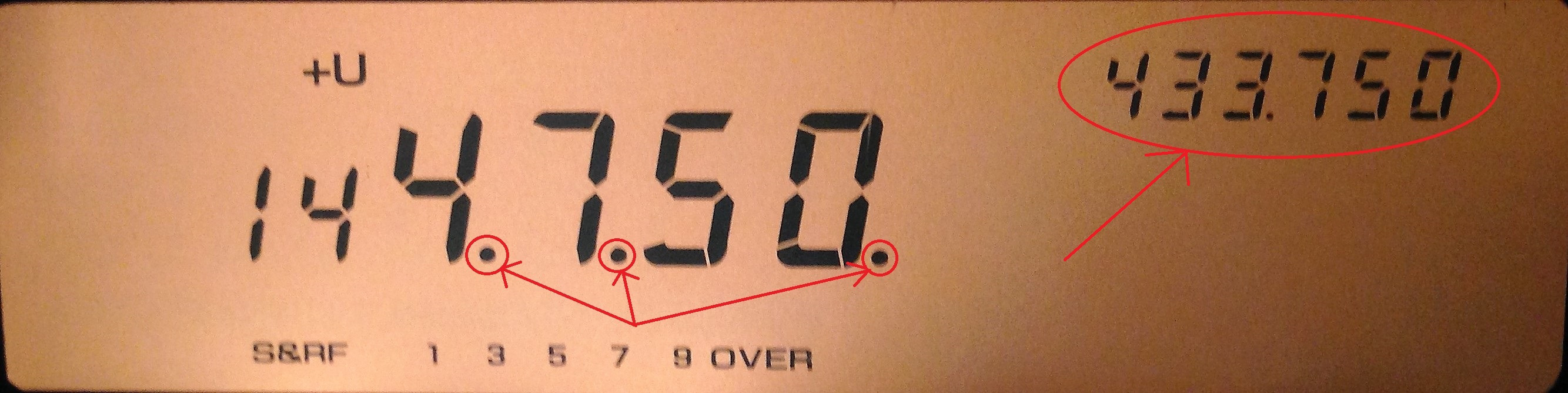
Press [F] to exit. The display shows the UHF receive frequency in the upper-right area and the main VHF frequency. Three dots between the digits indicate CROSS mode, and the keypad is locked while the function is active.
Disable CROSS mode
To return the radio to normal operation, re-enter Menu B, open submenu 69 and select OFF.
Frequently asked questions
Can the TM-251E CROSS function be enabled technically?
Yes. This guide explains the hidden menu settings used to select CROSS mode. Enabling the feature on the radio does not, by itself, mean that on-air operation is authorised.
Are the frequencies shown in the photographs current recommendations?
No. They are values used in the original tests and photographs. Always consult the current band plan and applicable regulations before transmitting.
Does the procedure also apply to the Kenwood TM-451E?
The original guide states that it also applies to the TM-451E with the VHF and UHF roles reversed. Check the exact radio variant and manual before making changes.
How do I disable Crossband Repeater mode?
Return to Menu B, find submenu 69 and select OFF. The final step of the guide describes the process.